
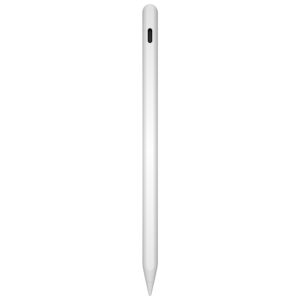

Three advanced Bluetooth gesture controls
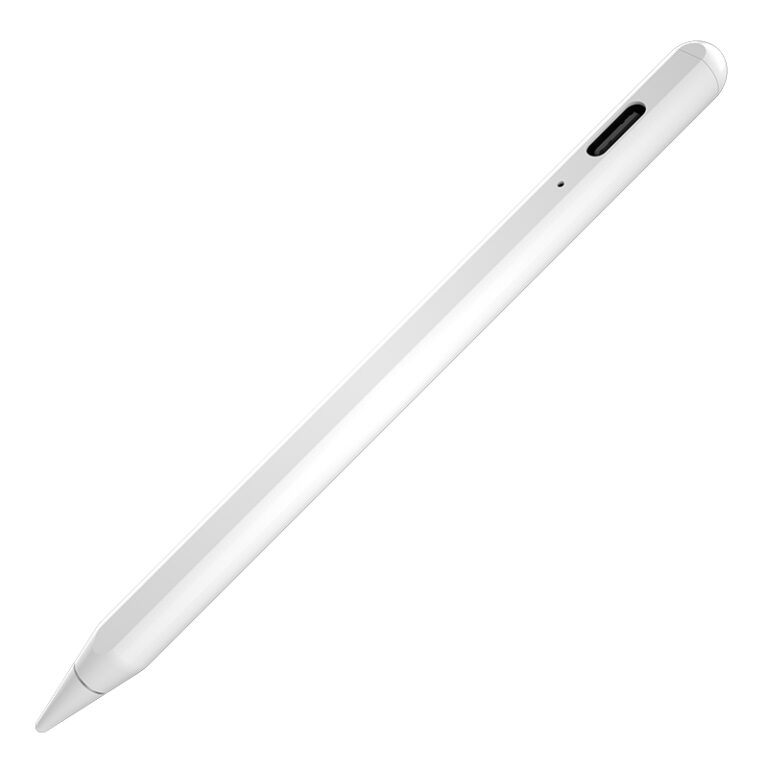
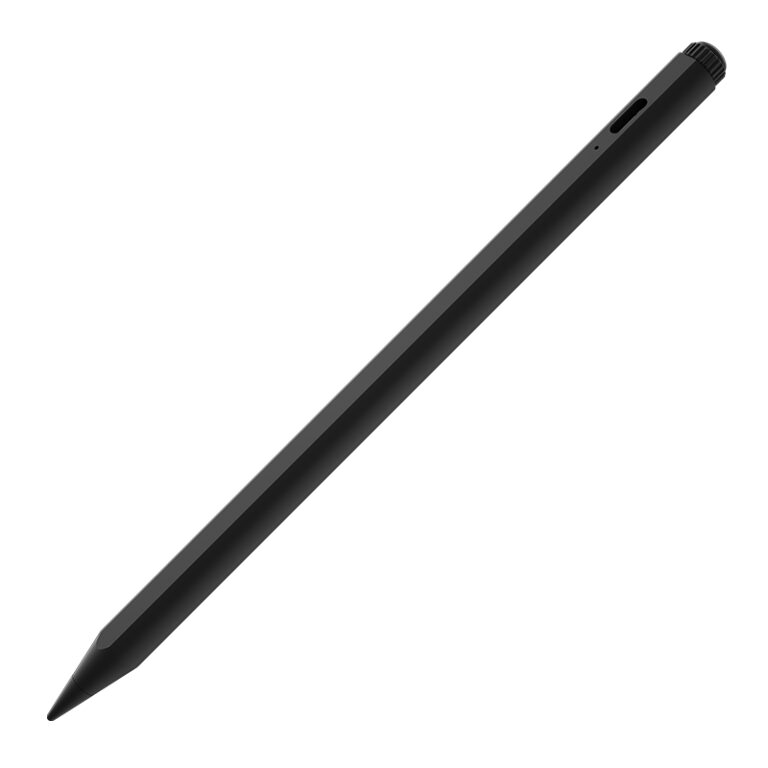
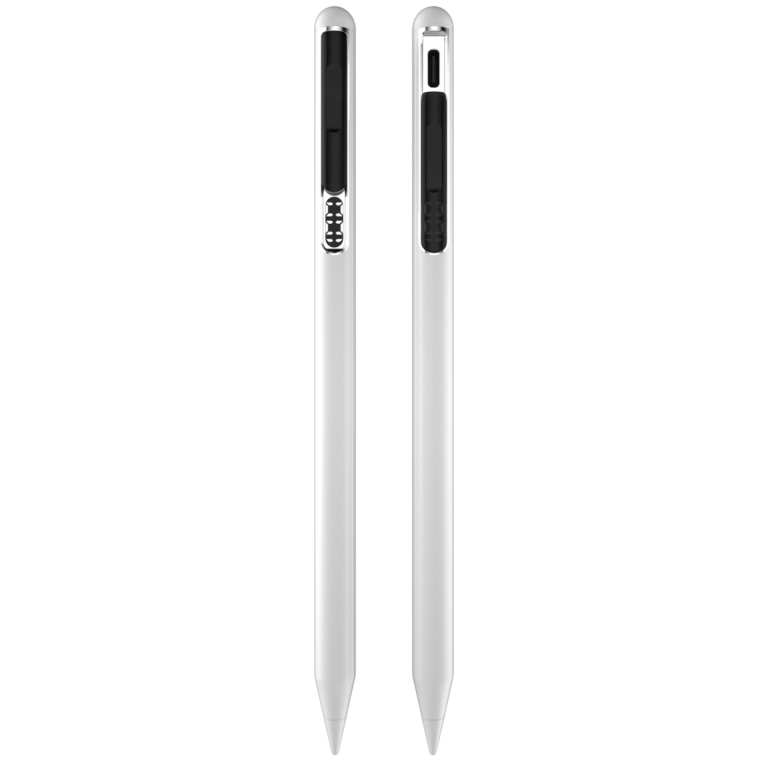
C43-T combines active iPad writing with three differentiated Bluetooth gesture controls. After pairing with a supported iPad, users can control content remotely, undo a recent action with a double tap, and call up the eraser with a squeeze in supported creative and note-taking apps.
1. Remote page control for videos, presentations, and creative work
Use the stylus as a Bluetooth remote to move through short-video content on iPad, navigate up or down in supported drawing workflows, and turn pages during PowerPoint presentations. This makes C43-T useful for entertainment, meetings, teaching, demonstrations, and hands-free content control.
2. Double-tap to undo
While writing or drawing, double-tap the pen to return to the previous step and undo the latest action. The shortcut reduces interruptions and keeps the user’s hand in a natural writing position.
3. Squeeze to activate the eraser
Squeeze the pen to call up the eraser function in supported versions of Notability, Procreate, and Goodnotes. This Apple Pencil-style interaction gives users faster access to a frequently used editing tool without returning to an on-screen toolbar.
Compatibility note: Bluetooth shortcuts and gesture behavior can vary by iPadOS version, app version, and app settings. Compatibility should be confirmed for the target device and software configuration before volume ordering.
Key specifications
- Bluetooth remote page and content control
- Double-tap shortcut for undo
- Squeeze shortcut for eraser access in supported apps
- 1.0 mm replaceable tip with tilt-sensitive writing
- 110 mAh rechargeable battery
- Up to 10 hours continuous use
- Approx. 30-minute wired charging
- Automatic power-off after 10 minutes of inactivity
- Bluetooth device name: pencil-LS
C43-T product details